

AI code is source code generated, written, or suggested by artificial intelligence rather than written by hand. An AI code generator tool, or AI coder tool, generates programming code from your prompt. You type what you want in plain English, and the tool writes the code. You do not need to know every rule; you just describe your idea, and the tool handles the rest.
These coding AI tools are also known as an AI coder tool, a full AI code editor, a smart AI code assistant, or a complete AI coding platform. Some tools work inside your current editor, while others run in your browser, so no install is needed. Every tool saves a massive amount of time.
According to the JetBrains State of Developer Ecosystem 2025 report, over 85% of developers use AI tools for coding, debugging, and code reviews. Over half use these tools daily.
These ai coder tools work as a full AI code editor and offer these basic benefits:
- Save time by creating code quickly.
- Reduce repetitive coding work automatically.
- Help beginners learn programming easily.
- Detecting and fixing coding errors faster.
- Make developers more productive.
- Support many programming languages.
- Generate clean, optimized code structures.
- Give instant coding help anytime.
- Help businesses build apps and websites faster.
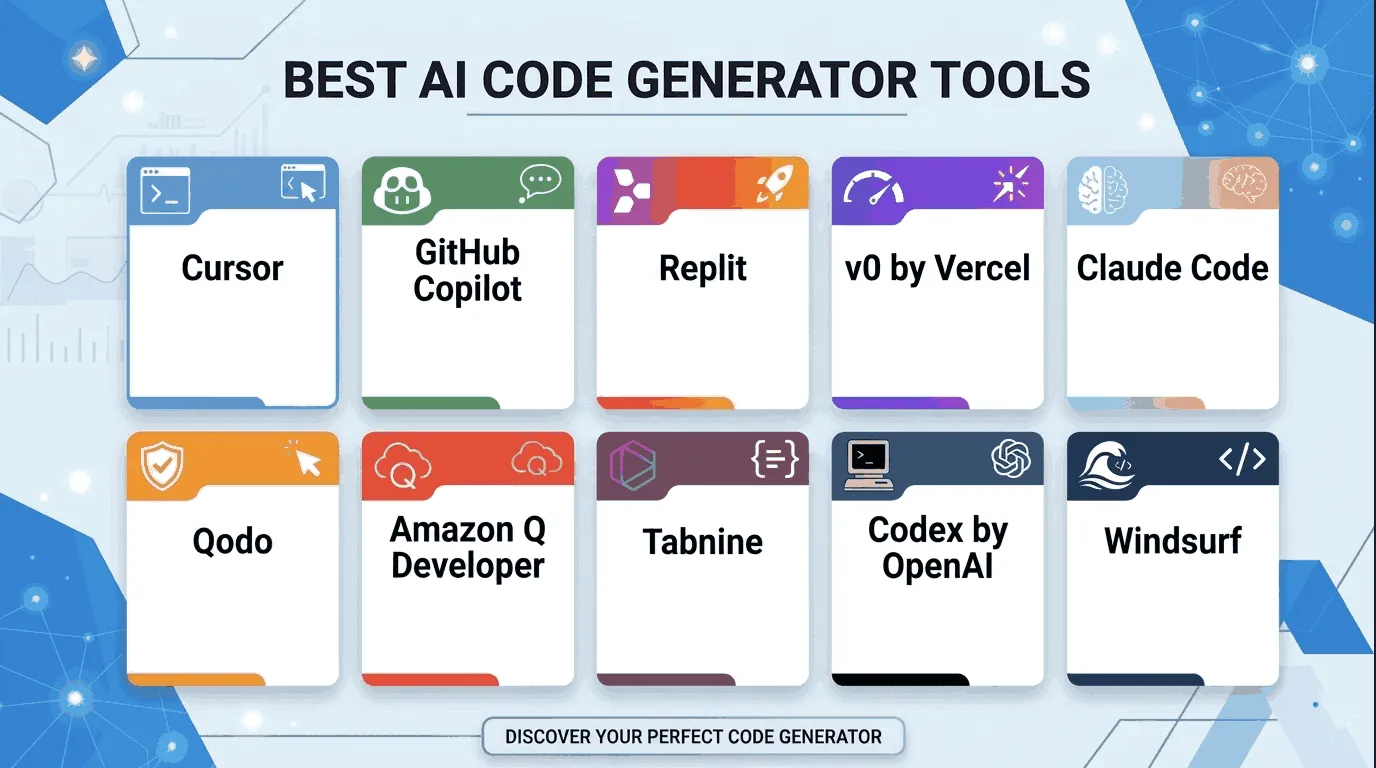
This guide covers the top 10 AI code generator tools ruling the industry now, from a free tool for beginners to the best assistant for senior developers.
Detailed Look at the 10 Best AI Code Generator Tools
1. Cursor – The Smartest AI Code Editor

Cursor tops every best AI coder tools list in 2026. It works as a complete AI code editor that understands your entire project, not just one file. Most basic tools look at one file; Cursor looks at ten at once and finds the perfect solution.
Key Benefit:
- Runs “agentic workflows” where the AI does big tasks start to finish
- Indexes all your local files so every answer fits your project
- Fixes bugs across multiple files with just one command
For big, complex apps, Cursor gives the most powerful coding experience available right now.
Cursor also launched a feature called Automations. It lets AI agents work on their own in the background. You set the conditions once, and the AI watches and acts automatically, with no need to prompt or babysit it.
Best for: Senior developers and large projects
2. GitHub Copilot – The Best AI Coder Tool

GitHub Copilot is the industry standard, used by millions of developers daily. It works as your personal “pair programmer,” watching your cursor, reading your last few lines, and predicting the next line before you think of it.
Key Benefit:
- Suggests whole functions from just a single comment
- Supports almost every programming language
- Fits right into VS Code, JetBrains, Vim, and other editors
For an AI code assistant that fits naturally into daily work, GitHub Copilot is the best tool.
Best for: Everyday developers, since it works natively inside your preferred IDE.
3. Replit – The Best AI Coder Tool for Beginners
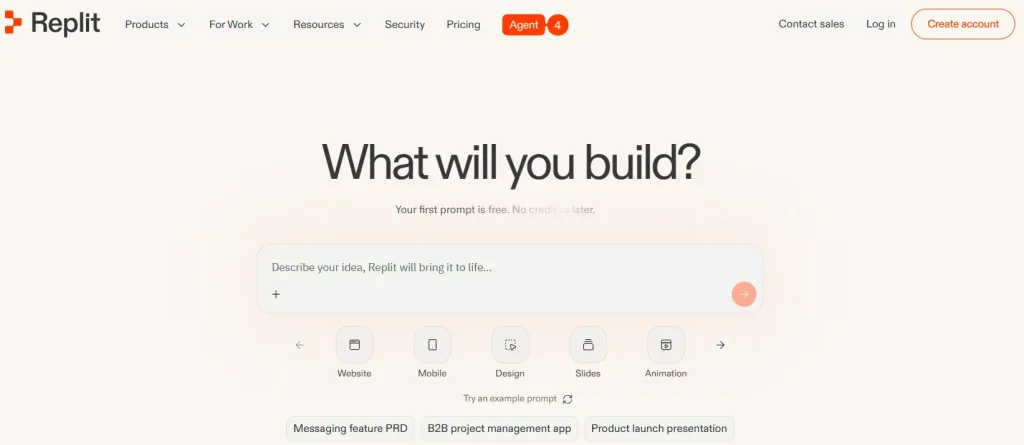
Replit is the friendliest AI coder tool for beginners. Open your browser, describe what you want to build, and the AI starts working. No download, no setup – just open and go.
Key Benefit:
- Builds your coding environment automatically – zero setup needed
- Explains code in simple language, like a friendly teacher
- Lets you host and share your app instantly
Replit is the perfect first step for anyone who wants an AI code generator without feeling overwhelmed.
Best for: Beginners and students, since it needs zero installation and runs right in the browser.
4. v0 by Vercel – The UI Design Specialist
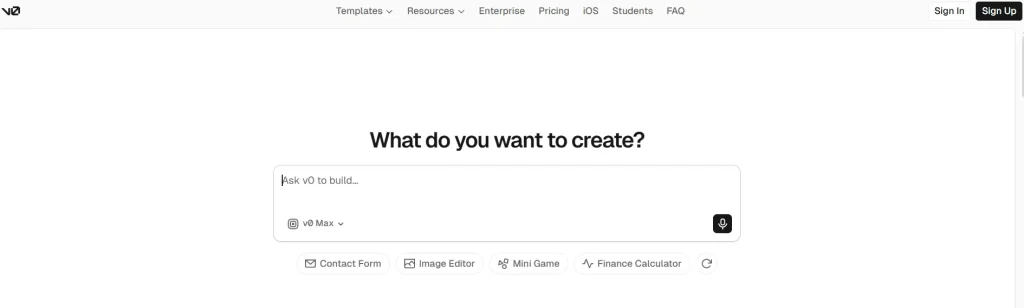
This tool focuses completely on the frontend, the visual part of websites and apps. You describe a design, and it writes clean, beautiful code for you.
Key Benefit:
- Creates responsive designs that work on mobile and desktop
- Uses modern tools like React and Tailwind CSS automatically
- Saves hours of frustrating design and layout work
For fast, beautiful UI code, v0 is the top tool for the job.
Best for: Designers, founders, and teams on the Next.js and React stack, speeding up prototyping.
5. Claude Code – Expert for Large Codebases
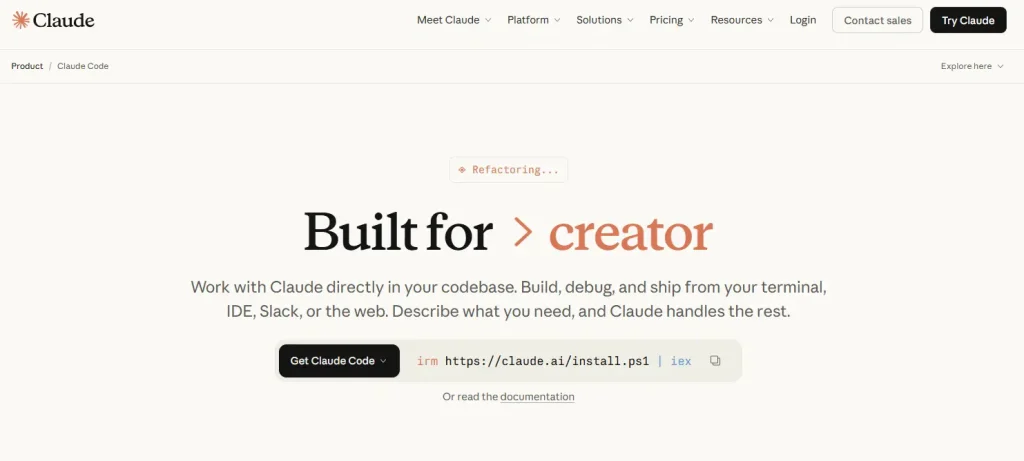
When a project grows to thousands of files, most AI code generators struggle. They lose track and miss connections. Claude Code solves this by processing a massive amount of code at once and keeping every detail in mind.
Key Benefit:
- Handles refactoring old, messy code without breaking things
- Answers complex questions about how parts of your system connect
- Keeps high accuracy even in the largest codebases
Claude Code is a powerful coder tool for projects too big for ordinary tools.
Best for: Large codebases and complex refactoring work
6. Qodo – The Top Free AI Coder Tool
Qodo is a hero for students and independent developers who want a high-quality AI code generator free of charge, with fast, accurate suggestions.
Key Benefit:
- Offers unlimited code completions completely free
- Works in over 70 programming languages
- Includes a smart AI chat feature to help debug problems
For free AI code generator options, Qodo gives the best quality without spending a rupee.
Best for: Students, hobbyists, and solo developers
7. Amazon Q Developer – The Cloud Expert
Amazon Q Developer, built for AWS, knows Amazon cloud servers, security rules, and best practices, giving suggestions that match your exact AWS setup.
Key Benefit:
- Helps debug cloud connection errors fast
- Suggests smart ways to cut cloud hosting costs
- Keeps your code in line with Amazon’s security standards
Best for: AWS developers and cloud engineers
8. Tabnine – Built for Professional Teams
Tabnine puts your team’s privacy first. It learns how your team writes code, so suggestions match your team’s style, not a random style from the internet.
Key Benefit:
- Runs locally on your computer, so code never leaves your machine
- Helps every team member follow the same coding style automatically
- Cuts the time your team spends on manual code reviews
For teams needing safety and consistency, Tabnine is the smartest choice.
Best for: Enterprise teams and privacy-focused organizations
9. Codex by OpenAI – Power for OpenAI Users
OpenAI Codex powers many other AI code generators on the market. If your team uses OpenAI tools and ChatGPT already, Codex connects perfectly with what you have.
Key Benefit:
- Translates code from one language to another smoothly
- Handles complex logic problems very well
- Lets developers build their own AI-powered tools via a flexible API
Best for: OpenAI-first teams and API developers
10. Windsurf – The Research Powerhouse

Windsurf is a newer tool that excels at deep research and advanced technical tasks, tracking complex details across long sessions without losing the thread.
Key Benefit:
- Saves project context across sessions and remembers your project next time
- Gives highly detailed explanations for every decision
- Works great for data science, AI research, and experimental builds
Best for: Data scientists and researchers building new technology
Quick Comparison: AI Code Generator Tools List
| Tool | Best For | Main Strength |
|---|---|---|
| Cursor | Complex Projects | Handles multi-file agentic workflows |
| GitHub Copilot | Pair Programming | Real-time code suggestions as you type |
| Replit | Beginners | Very easy to start in the browser |
| v0 by Vercel | UI Design | Generates polished web interfaces fast |
| Claude Code | Large Codebases | Reads massive projects without confusion |
| Qodo | Personal Use | A powerful free AI code generator tool |
| Amazon Q Developer | AWS Cloud Work | Expert in Amazon cloud services |
| Tabnine | Teams & Privacy | Learns your team’s coding style |
| Codex by OpenAI | OpenAI Users | Deep OpenAI model integration |
| Windsurf | Advanced Research | Great for deep technical exploration |
Tips to Get the Best Programming Code From AI Code Generator Tools
- Be specific – Tell the AI exactly what you want: the language, the goal, and any special requirements. Vague prompts give vague results.
- Always test the generated code – Even the best generators make small mistakes, so run and check the code before using it in production.
- Use clear prompts – Say “Fix the error in line 10 of the login function” instead of something vague. Specific prompts get better results.
- Use multiple tools – Use GitHub Copilot for daily coding, Cursor for big refactors, and a free tool like Codeium for quick experiments.
Final Thoughts
AI code generator tools have changed the way people build software. Whether you need a powerful editor like Cursor, a beginner platform like Replit, or a free tool like Codeium, there is an option on this list.
Every tool here makes coding faster, easier, and more fun, for experienced developers and beginners alike. You don’t need years of experience, just the right AI partner.
Pick one tool today and try it. Start with the free plan and explore what it can do.
FAQs — AI Code Generator Tools
A smart tool that writes code for you when you type what you want in simple English.
Yes, Qodo gives unlimited free code suggestions without asking you to pay.
Replit, because it runs in your browser and needs zero setup.
Yes, most tools like Codeium and GitHub Copilot support 70+ languages with ease.
No, just type what you want to build in plain English and the AI writes the code.
Tabnine, since it learns your coding style and keeps code private and secure.
Yes, you can combine tools like GitHub Copilot for daily coding and Cursor for big refactors.
Yes, most are safe. Tabnine is the safest, as your code never leaves your local machine.