

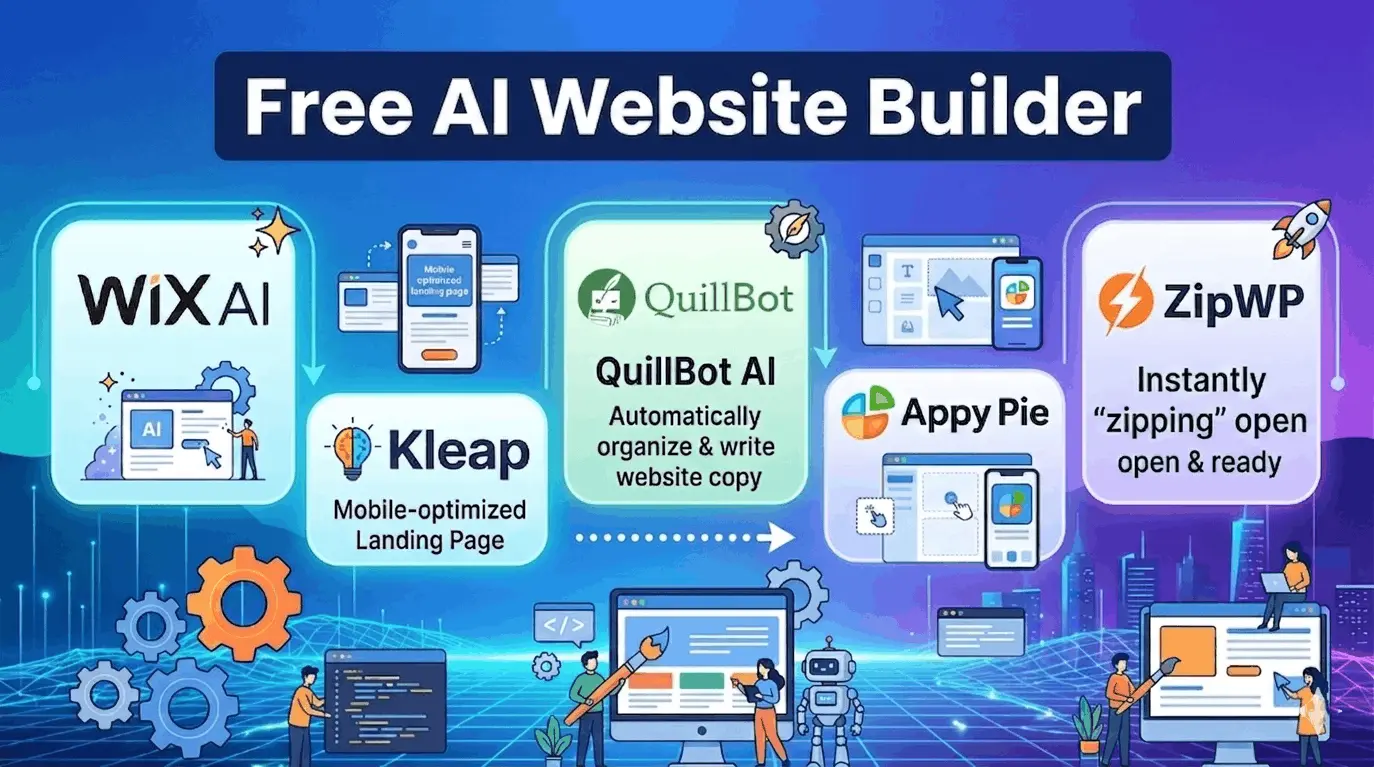
Creating a professional website is now incredibly easy thanks to modern technology. Anyone can launch an online presence quickly by using a free ai website builder. This smart tool removes all technical stress by converting basic text descriptions into complete, beautiful, and fully working webpages within seconds.
Benefits of AI Website Builder
- Super Fast Setup: Creates complete website layouts in less than a minute.
- No Coding Needed: Designs everything without requiring any technical computer skills.
- Saves Money: Launches online business platforms completely free of cost.
- Automatic Content: Fills pages with matching pictures and written descriptions automatically.
- Simple Editing: Offers easy drag-and-drop tools to change layouts instantly.
Best Free AI Website Builder Tools
Here are the five best free AI website builders available right now. This guide explains what they do, who should use them, and what makes each one special.
1. Wix AI — Best Free AI Website Builder for Full-Featured Business Sites
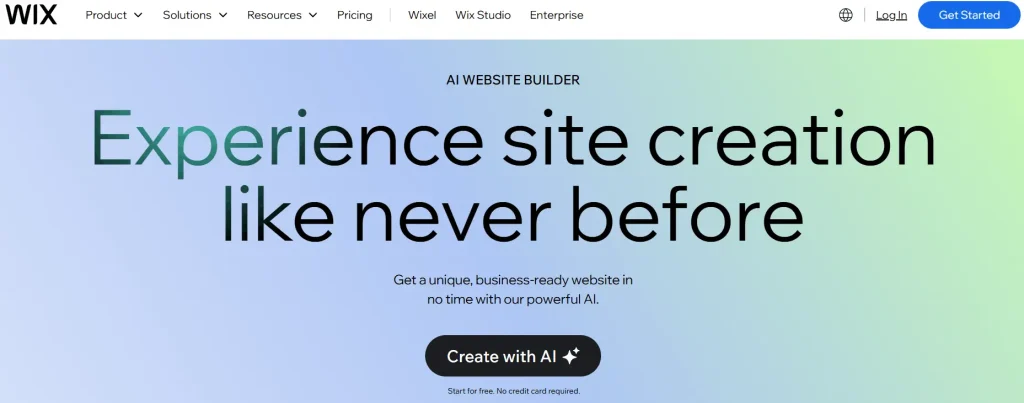
Wix AI uses a smart chat interface to work as your tool. You talk to it in plain English, tell it what you need, and it creates your site step by step.
- All-in-One Business Shop: This free ai website builder combines a website creator with online shops, booking calendars, and marketing tools.
- Create by Chatting: The AI builds the entire website layout, pages, and text just by asking questions in a simple chatbot conversation.
- Easy to Customize: It features a simple drag-and-drop tool that allows items to be moved around and design spacing adjusted perfectly.
- Safe and Strong Hosting: It keeps websites online safely and provides built-in tools to help pages show up on Google.
2. Kleap — Best Free AI Website Builder for Speed and Code Export
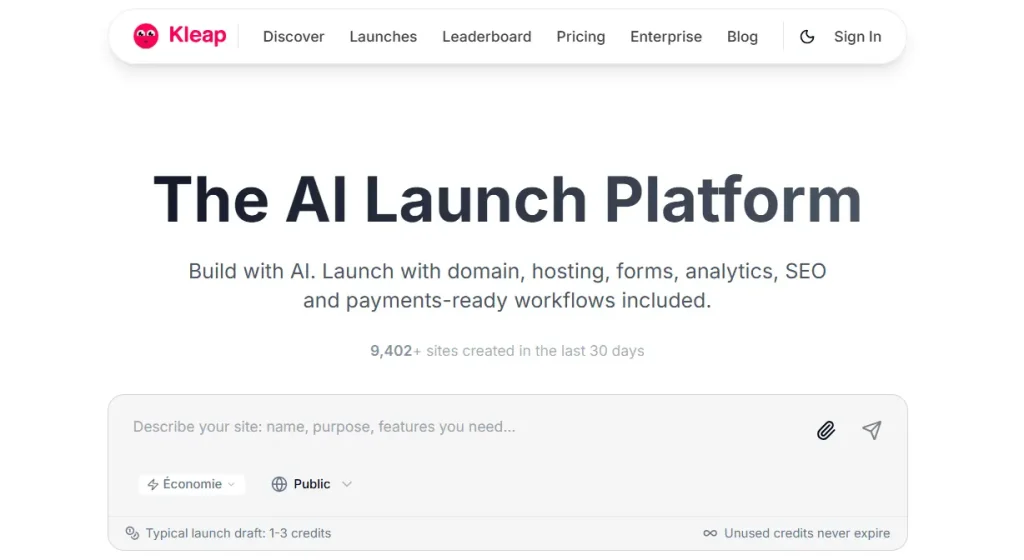
Kleap works as a lightning-fast best free ai website generator that builds mobile-responsive websites in just 2 to 3 minutes. It also lets you export your code for free — something almost no other tool offers.
- Gives Real Code: Instead of basic templates, this free ai website builder creates actual web applications. It provides clean code for complete ownership.
- No Extra Fees: It allows online store owners to keep 100% of the sales revenue. This platform charges zero transaction fees.
- Automatic Logins: The AI automatically sets up secure user login pages and databases. It configures these elements directly from text prompts.
- Built for Agencies: It features a single dashboard. This interface is designed to easily launch and manage unlimited client websites in one place.
3. Quillbot AI — Best for Landing Pages and Portfolios
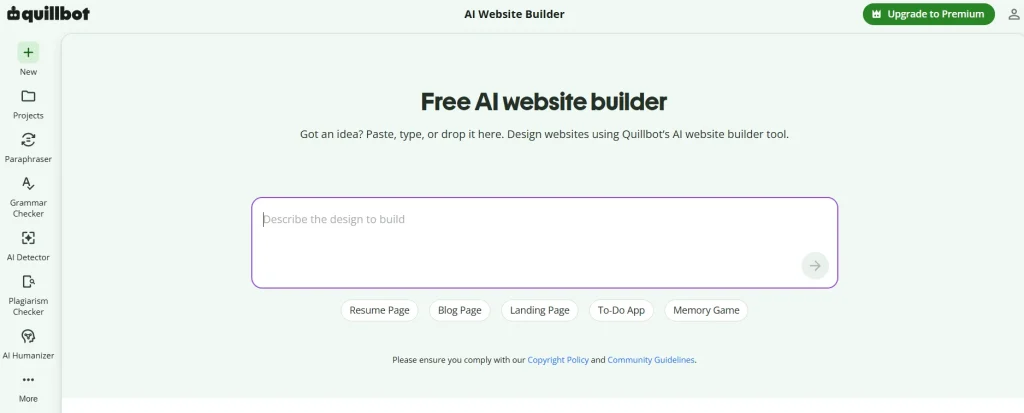
QuillBot AI gives you a free website builder ai tool focused on quick landing pages and portfolios. It is 100% free with zero hidden fees — no upgrade walls, no surprise charges.
- Smart Rewriting Tool: It instantly rewrites sentences into different tones. This tool keeps the original meaning completely intact.
- All-in-One Writing Pack: It integrates a grammar checker, plagiarism detector, and citation generator. These features sit inside one simple workspace.
- Smart Typing Space: It suggests words and finishes sentences during typing. This function helps to write articles and blog posts much faster.
- Works Anywhere: It operates directly inside regular web browsers, Microsoft Word, or Google Docs. These integrations work using simple extensions.
4. Appy Pie — Best Website Builder for Global and Multilingual Sites
Appy Pie stands out as a tool that supports 19 or more languages. No other ai website builder free tool on this list comes close for international reach.
- Websites and Apps Together: It builds a website and a mobile app at the same time and assists with submitting them directly to app stores.
- Type to Make an App: A simple typed description allows the AI to build mobile screens and buttons in under a minute.
- Instant Phone Testing: It generates a quick live preview and a QR code for instant app testing on a real phone.
- Top-Notch Security: It protects user data by strictly following top international privacy and compliance laws.
5. ZipWP — Best for WordPress Users
ZipWP acts as a powerful ai website generator for WordPress. It generates a full WordPress site in about 60 seconds and works with all standard plugins and themes.
- Made for WordPress: This free ai website builder works natively with WordPress, providing complete data ownership and total hosting freedom.
- 60-Second Test Sites: It creates a temporary “test website” in one minute, allowing safe feature testing without breaking the live site.
- Fast and Lightweight: It builds pages using standard WordPress blocks, making the website lightweight so it loads incredibly fast.
- Automatic Planner: It reads a basic business description to automatically plan the pages, pick matching pictures, and write the copy.
Quick Comparison Table: Free ai website builder
Use this table to compare all five best free ai website builder options side by side and pick the one that fits your goal.
| Free AI Website Builder | Best For | Free Plan Includes | Stand-Out Feature | Code Export? |
| Wix AI | Business Sites | AI build, hosting, Wix branding | AI marketing tools | No |
| Kleap | Startups & Portfolios | 3 sites, code export | 2–3 min mobile-first build | Yes |
| QuillBot AI | Landing Pages | Full access, zero fees | 100% free, no hidden costs | Yes |
| Appy Pie | Global / Multilingual | 19+ languages, voice input | Website to app converter | No |
| ZipWP | WordPress Users | Full WP site generation | 60-second WordPress build | No |
How to Pick the Right Best AI Website Builder Tool
Every free website builder ai tool on this list works well — but for different people. Use this table to match your situation to the right tool instantly.
| Your Situation | Best Free AI Website Builder |
| You run a small business and need marketing tools | Wix AI |
| You want speed and want to own your code | Kleap |
| You need a free portfolio with zero budget | QuillBot AI |
| Your audience speaks multiple languages | Appy Pie |
| You are a WordPress user or blogger | ZipWP |
| You want to convert your site into a mobile app | Appy Pie |
| Pro Tip: Start with the free ai website builder that matches your main goal. You can always upgrade or switch later. The most important step is just getting your site live today. |
Build Your Site in 8 Simple Steps
- Pick your builder Use the comparison table to choose the right free ai website builder for your goal.
- Sign up for free All five ai website builder free tools let you start with no credit card required.
- Answer the AI questions Give specific answers — better input means better output from the ai website generator.
- Review the AI design Check every page and make sure the text makes sense and sounds like you.
- Edit and customize Change colors, fonts, and images to match your brand using drag-and-drop tools.
- Set up basic SEO Write a meta title and description for each page with your target keyword.
- Preview on mobile Switch to mobile view and check that everything looks clean on a phone screen.
- Publish your site Hit publish, share the link, and start getting visitors today.
Final Thoughts: Best Free AI Website Builder Tool
A free ai website builder removes every excuse for not having a website. No budget, no coding skills, no time — none of those are problems anymore.
Wix AI covers business needs end-to-end. Kleap gives you speed and code freedom as a top ai website builder free option. QuillBot AI keeps it genuinely free with no tricks. Appy Pie opens the door for global audiences. ZipWP powers up WordPress fans faster than any other ai website generator on the market.
Pick the best free ai website builder that fits you, sign up today, and get your site live before the end of the day. Your future customers are already searching online — make sure they can find you.
FAQs — Free AI Website Builder
The comparison table in the guide is analyzed. The tool that matches the specific project goal is selected. For example, Wix is chosen for business sites, and ZipWP is chosen for WordPress blogs.
No. All five free AI tools allow account setup without requiring any credit card details.
Highly detailed and specific information must be entered when prompts are given. Better input automatically creates a superior website layout.
A full review of every page is required. This check ensures the text is completely accurate and matches the correct business tone.
Yes. Simple drag-and-drop tools are used to modify colors, fonts, and images to match the exact brand style.
Basic SEO is applied. Clear titles and descriptions containing popular search keywords are added to every page.
The system is switched into “mobile view” before publishing. This step verifies that the layout looks neat and organized on a phone screen.
Yes. You can sell things. You can offer services. You can put ads. You can collect emails. You can sell courses. The AI tools let you add payment buttons.
Yes, but it is hard. Kleap and QuillBot make it easy. Other tools make it harder. Pick the right tool from the start.
If you are looking for a institute to learn Digital Marketing. Check out the best digital marketing course in Jaipur.