Upcoming Batch

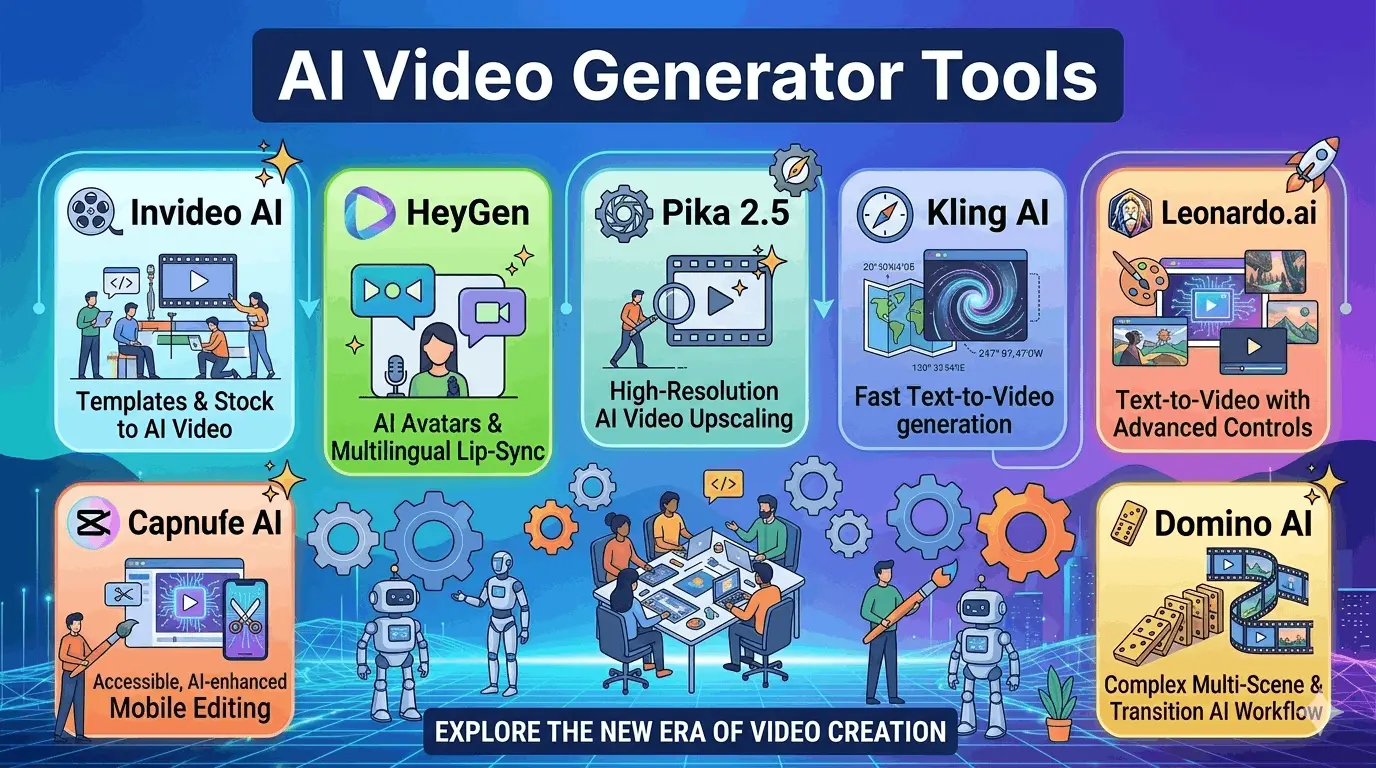
How does find the absolute Best AI Video Generator Tools in 2026? The process is simple. Firstly know that how artificial intelligence tools changes words and photos into videos automatically. Today, these tools are highly advanced. Real creators use them every day to make cinematic clips, YouTube explainers, and phone videos in just a few minutes. Instead of using hard editing software, the AI handles the script, characters, and motion by itself.
5 Key Benefits of These Tools:
- No Video Skills Required: These tools create high-quality videos just from simple text descriptions or basic photos.
- Big Time Savings: It builds full video projects—including scripts, voiceovers, and subtitles—in less than ten minutes.
- Cinematic Visual Quality: Advanced models automatically add movie-like colors, lighting, and high-definition details to every scene.
- Perfect Character Tracking: The system locks character designs so faces and clothing look exactly the same across different scenes.
- Zero Cost Options: Daily free credit systems and open-source applications allow full video creation without requiring a credit card.
# What Are the Best AI Video Generator Tools for Beginners?
Since advanced setups can cause much difficulty for beginners. To solve this, some tools are highlights that are remarkably easy to use.
Luma Dream Machine — Best AI Video Generator for Overall Quality
The Ray 3 model of Luma Dream Machine produces HDR output that looks genuinely cinematic. Daily free credits are provided, allowing usage as a free video ai generator without ever pulling out a credit card.
Key Findings :
- Videos look like real movies with excellent colors.
- Any photo can be turned into a video.
- Extremely high-quality video is provided, even on the free version.
- Text prompts are typed, and the video is generated instantly.
CapCut AI — Best Free AI Video Generator App for Mobile
CapCut manages everything on a mobile device—AI clip generation, auto-cuts to music, captions, and trend-based effects. It is completely free and produces solid 1080p output.
Key Findings :
- Free to use on both iPhone and Android.
- The right music is automatically synced to the video.
- Ready-made layouts for TikTok and Reels are included.
- Subtitles are added in just one tap.
- Most videos have no watermark, which is very rare for a free app.
Canva Magic Media — Best Free AI Video Maker for Designers
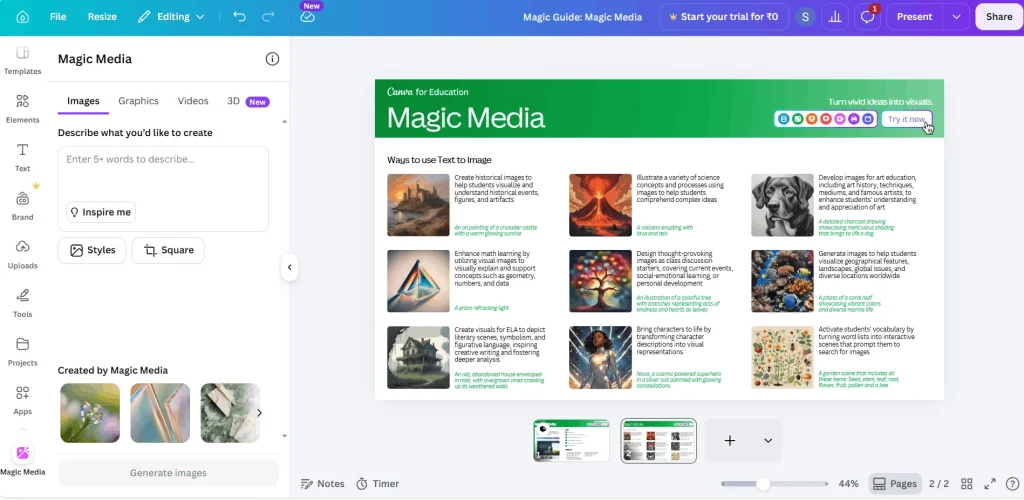
Magic Media plugs directly into the existing workflow. A prompt is written, a style is chosen, and the tool drops a video clip straight into the project. It stands as the fastest free ai video maker for current Canva users.
Key Findings :
- It works inside Canva, so no new platform needs to be learned.
- Scenes described in words become videos very quickly.
- Visual styles can be customized easily.
- It is free to use, but a daily generation limit applies.
- Clips can be added straight into live presentations.
# What Are the Best AI Video Generator Tools for YouTube Creators?
YouTube content requires a strict structure. A great clip means nothing without a script, a hook, b-roll, and a voiceover. The following tool handles the entire pipeline.
Invideo AI — The Best AI Video Generator for YouTube
Invideo AI is the undisputed champion for long-form content. It automates script writing, scene selection, voiceovers, captions, and final exports. A simple topic input delivers a ready-to-upload video.
Key Findings :
- Scripts are written and converted into full videos automatically.
- Automated voices are added with many realistic options to choose from.
- Relevant background video clips are found on its own.
- Subtitles are generated and placed automatically.
- It works perfectly for both long videos and short videos.
- Logos, colors, and fonts stay exactly the same across every project.
# Which Best AI Video Generator Tools Power Animation in 2026?
Standard tools handle live-action scenes well, but an animated style requires a dedicated ai animation video generator.
Domino AI — Best AI Animated Video Generator for Anime
Most tools change how a character looks between scenes. Domino solves this by locking the character design, keeping it identical across cuts. It is the go-to ai animated video generator for building an animated series or visual story.
Key Findings :
- The same character looks exactly identical in every scene.
- The system is built for anime style from the very beginning.
- All scenes connect smoothly without sudden visual changes.
- Diverse anime styles like action, cute, or futuristic can be selected.
Additional Tools for Animation :
- Leonardo.ai: Excellent for 3D/semi-realistic character animation and game cutscenes (Free option available).
- Pika 2.5: Perfect for mixed, highly creative short social clips with unique physics effects (Freemium).
- Kling AI: Delivers realistic human movement like walking and eating (Daily free credits).
- SVD (Stable Video Diffusion): Open-source tool for developer projects and custom pipelines.
# Quick Comparison Table: Best AI Video Generator Tool
| Tool Name | Best For | Standout Feature | Free Tier? | Output Quality | Skill Level |
| Luma Dream Machine | Cinematic clips | Ray 3 HDR + 16-bit color | Yes – Daily Credits | Up to 4K HDR | Beginner |
| Invideo AI | YouTube content | Full script-to-video pipeline | Freemium | 1080p | Beginner |
| HeyGen | Talking avatars | AI Avatar + 50+ language dubs | Pro Only | 1080p | Intermediate |
| Pika 2.5 | Creative animation | Physics-based Pika Effects | Freemium | 1080p | Beginner |
| Kling AI | Human motion | Realistic walking & eating motion | Yes – Daily Credits | Up to 2 mins | Beginner |
| Runway Gen-3 Alpha | Visual effects | Motion Brush control | Freemium | 4K | Advanced |
| CapCut AI | Phone editing | Auto music sync + AI cuts | Yes – Full Free | 1080p | Beginner |
| Leonardo.ai | 3D animation | Character-to-motion rendering | Freemium | 1080p | Intermediate |
| Domino AI | Anime style | Consistent characters across scenes | Freemium | 1080p | Intermediate |
| Canva Magic Media | Design-first users | Text-to-video inside Canva | Yes – Limited | 720p | Beginner |
| SVD | Developer users | Runs locally on machines | Yes – Open Source | Custom | Advanced |
| ChatGPT Video (Sora) | Quick AI clips | Prompt directly in ChatGPT | Limited Free | 1080p | Beginner |
# Frequently Asked Questions : Best AI Video Generator Tool
Luma Dream Machine delivers premium 4K HDR output through its automated Ray 3 color grading engine.
HeyGen builds hyper-realistic avatars that read scripts naturally and supports dubbing in over 50 languages.
Kling AI allows free clip generation up to 2 minutes long using its daily credit refresh system.
Prompts entered into ChatGPT Plus route straight to Sora, rendering the final video clip right inside the chat window.
Invideo AI leads because it automates scripts, visuals, voices, and captions inside a single unified workflow.
CapCut AI is completely free on iOS and Android and exports standard videos with no watermarks.
CapCut has none, Pika and Kling add small logos, while open-source options like SVD never add watermarks.
Yes. Uploading any photo to Luma, Pika, or Kling allows the AI to add realistic depth, lighting, and movement.
Domino AI leads due to its perfect character consistency, while Leonardo.ai works best for 3D-style animation.
Phrases like “Unreal Engine 5” or “Octane Render” are added directly to text prompts to force photorealistic 3D cinematic rendering.